
How to Sign Up on BitOasis
Create your account in three simple steps
Welcome to BitOasis! We have made the registration process simple and secure so you can access your account with ease. Follow the three steps below to get started.
1
Get Started
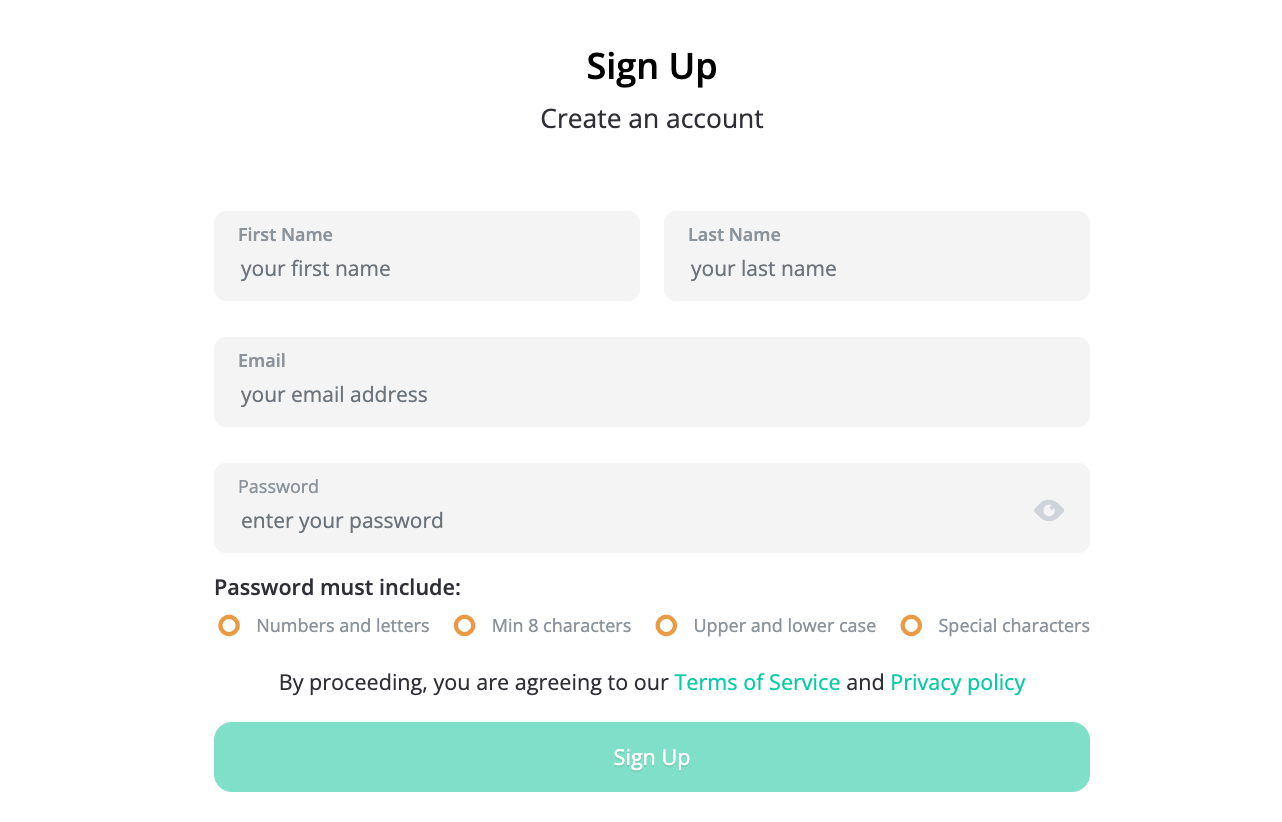
| Enter your legal first name, legal last name, and a valid email address. |
| Create a strong, unique password — not shared with any other platform for your security. |
| Click the "Sign Up" button to proceed. |
2
Email Confirmation
| A confirmation email will be sent to the email address you provided. |
| Enter the confirmation code from the email, or click the "Click Here" link to be redirected to our website. |
| If you do not receive the email, check your spam/junk folder and add help@bitoasis.net to your contact list. |
3
Mobile Confirmation
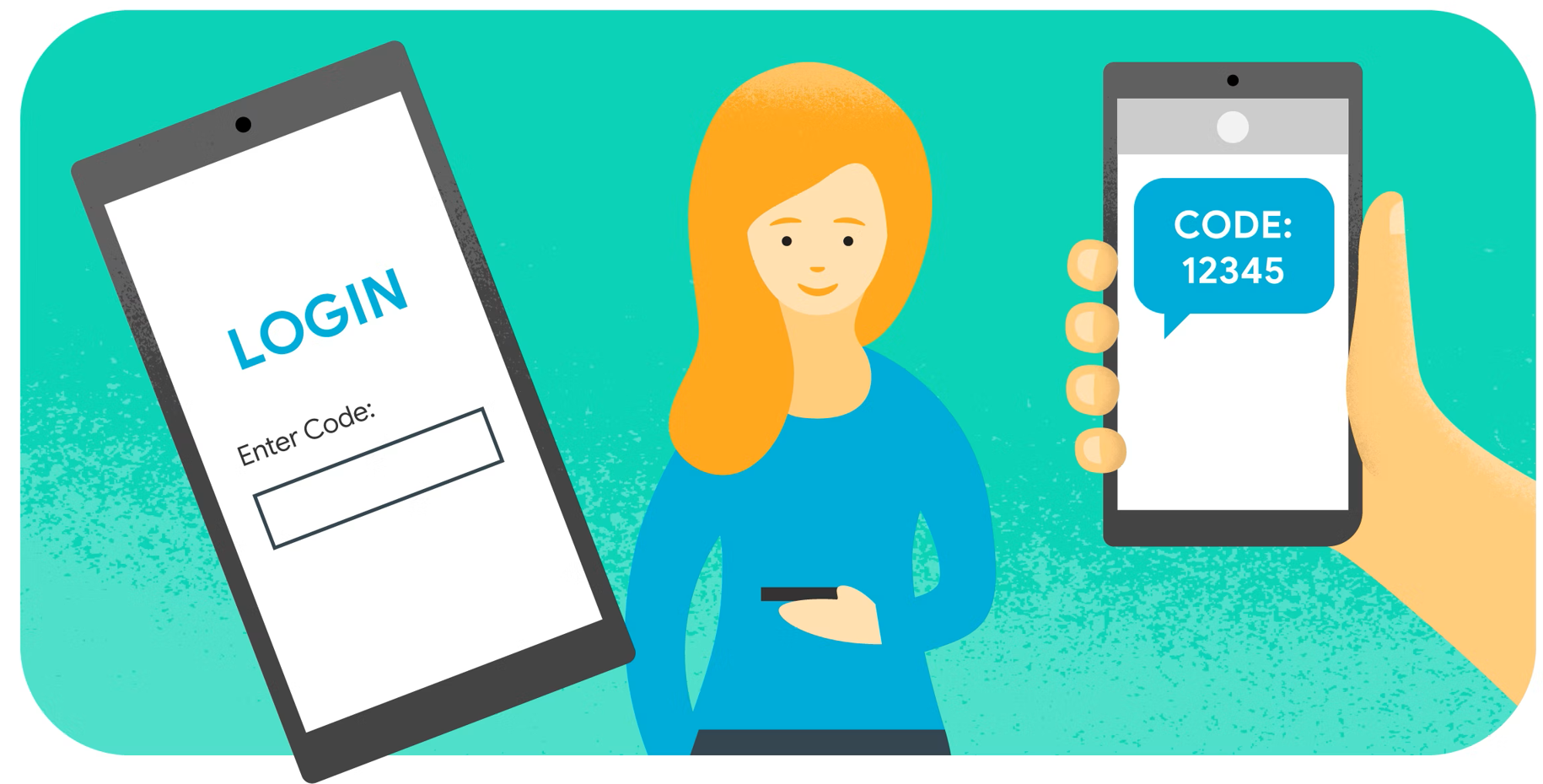
| Enter your personal phone number to register with BitOasis. |
| You will receive an SMS with a confirmation code. Enter the code in the provided field. |
| Agree to the BitOasis Terms of Use and Privacy Policy, then click "Confirm Phone Number". |
| Having trouble receiving the OTP? Use the "Call Me Code" option for assistance. |
Once you have completed these steps, your account will be ready for use. You can now securely access all the features BitOasis has to offer.
Having issues signing up?
Our customer service team is ready to help with any difficulties.